 Cookify
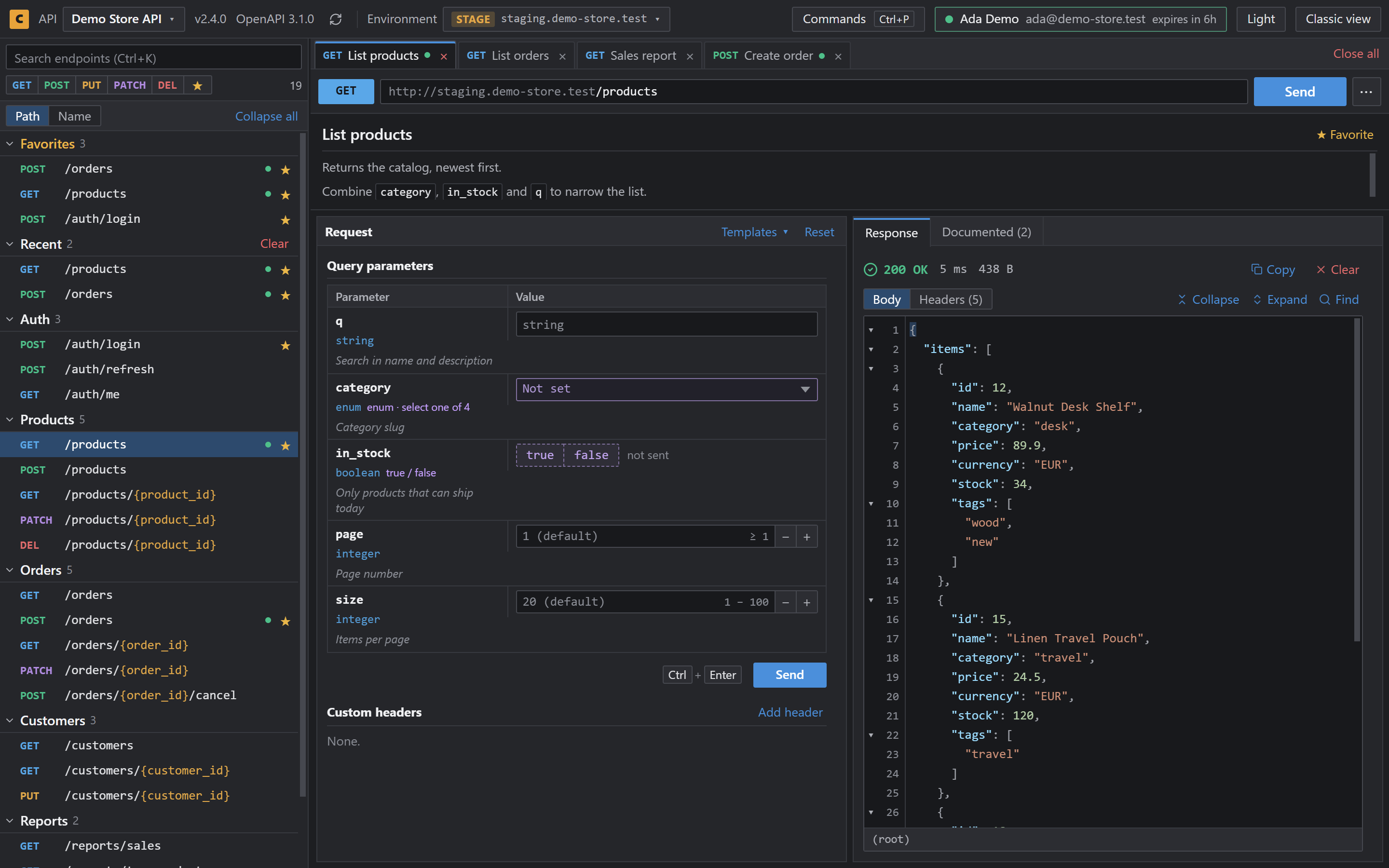
Swagger UI dark mode on any page
Recent Swagger UI releases have a dark mode toggle, but a page only has it if it runs one of those versions. Here are your options when it doesn't.
Your options
| Option | Works on APIs you don't own | Backend change | Adds more than colors |
|---|---|---|---|
| Update Swagger UI | No | Yes, in each project | No |
| Custom CSS in your project | No | Yes, in each project | No |
| A user style in your browser | Yes | No | No |
| Cookify | Yes | No | Yes |
If you only need dark colors for one FastAPI project, a CSS file is enough. swagger-fastapi-dark-theme does exactly that.
Get dark mode with Cookify
- Add Cookify from the Chrome Web Store.
- Open any Swagger UI page. It opens in the dark Cookify view.
- Use the Light button in the header if you want to switch.
Cookify shows the page in its own view, so you also get tabs, environments and saved tokens. Classic view brings back the original page at any time, with its original colors.
Questions
- Does Swagger UI have dark mode?
- Recent releases have a dark mode toggle. Older versions don't, and whoever runs the API decides which version the page uses.
- How do I get dark mode in FastAPI's Swagger UI?
- Install Cookify and open
/docs. To change it for everyone who opens your docs, add custom CSS to the project instead. - Does it change the page for my teammates?
- No. Cookify runs only in the browser where it's installed.