 Cookify
Turn your swagger-ui-express page into an API client
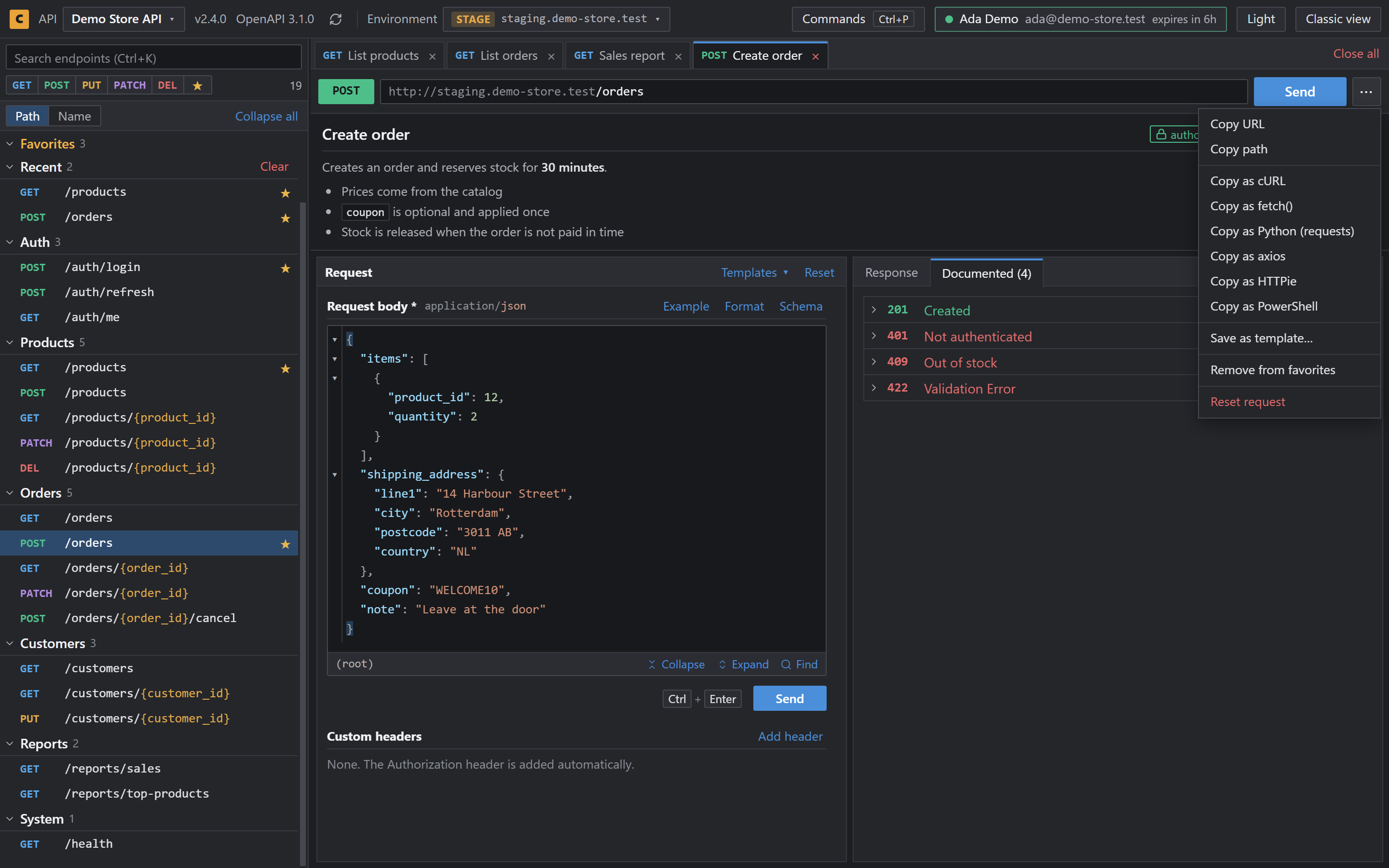
Your Express API already serves Swagger UI, usually at /api-docs. Cookify adds tabs, environments and saved tokens on top of it.
| Library | swagger-ui-express |
|---|---|
| Docs address | Usually /api-docs |
| API document | Read from swagger-ui-init.js on the page |
| Changes to your app | None |
Set it up
- Add Cookify from the Chrome Web Store.
- Start your server and open your docs path, for example
http://localhost:3000/api-docs. - Save the API when Cookify asks, or choose Not now.
- Open an endpoint and send a request.
What you get
- Several endpoints open in tabs
- Request bodies that stay after a refresh
- Development, Staging and Production with a token for each
- Command palette on
Ctrl+P - Dark theme by default
It reads the embedded document
swagger-ui-express places your API document in a script next to the page instead of serving a JSON file. Cookify reads it from there, so it works with the usual swaggerUi.setup(document) call.
Questions
- Does it work if I pass the document to swaggerUi.setup()?
- Yes. That's the usual setup, and Cookify reads the document from the page.
- Does it need a public openapi.json?
- No.
- What if Cookify can't find the document?
- The original Swagger UI stays as it is, so nothing breaks.