 Cookify
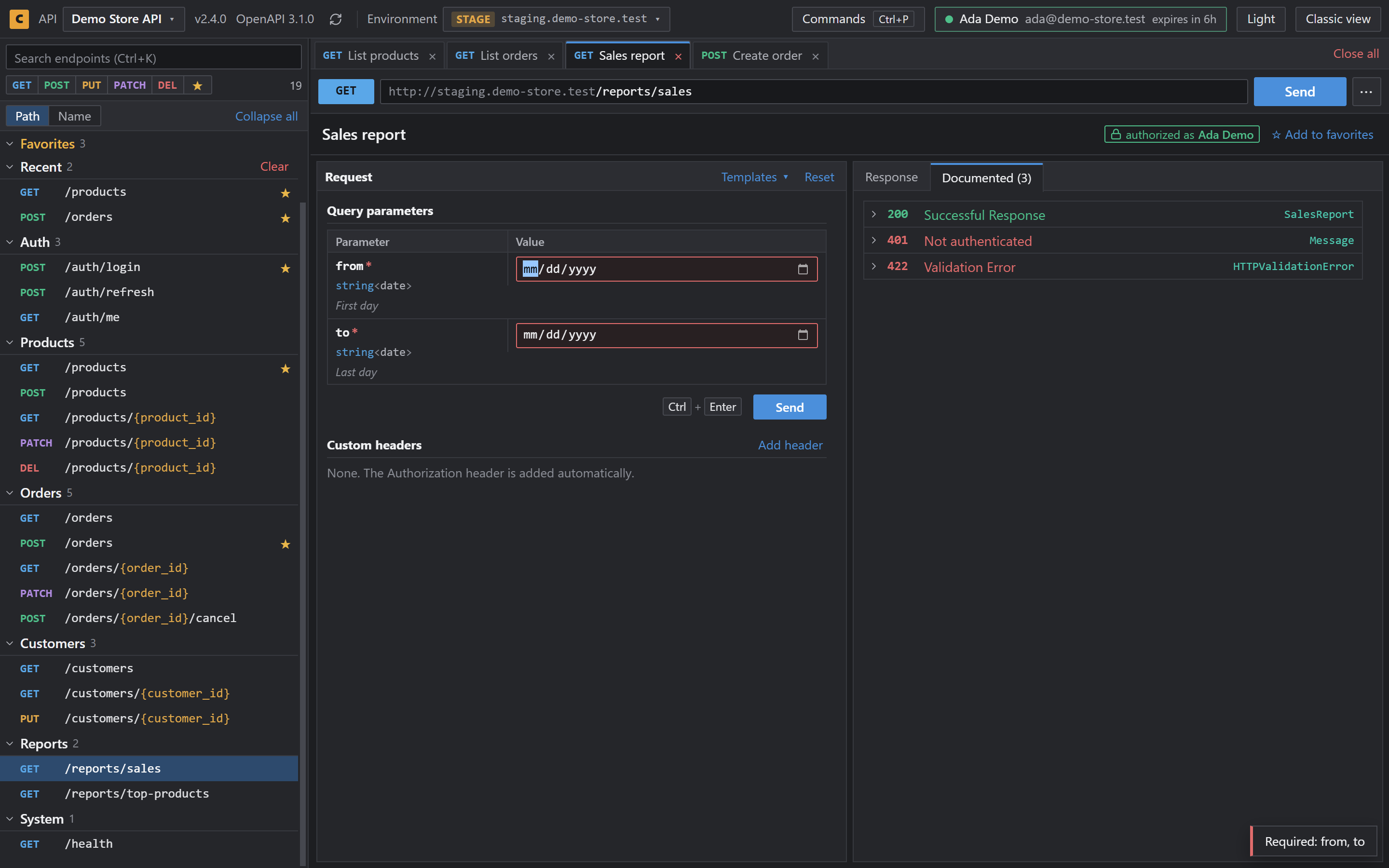
Work with your Spring Boot API from its Swagger UI page
springdoc-openapi serves Swagger UI at /swagger-ui/index.html. Cookify reads the same configuration and adds a full workspace on top of it.
| Library | springdoc-openapi |
|---|---|
| Docs address | /swagger-ui/index.html |
| API document | Found through the configUrl setting, usually /v3/api-docs |
| Changes to your app | None |
Set it up
- Add Cookify from the Chrome Web Store.
- Run your application and open
/swagger-ui/index.html. - Save the API when Cookify asks, or choose Not now.
- Open an endpoint and send a request.
What you get
- Several endpoints open in tabs
- Request bodies that stay after a refresh
- Development, Staging and Production with a token for each
- Command palette on
Ctrl+P - Dark theme by default
It follows the springdoc configuration
springdoc points Swagger UI to a configuration file, and that file holds the address of the API document. Cookify follows the same path, so you don't have to tell it where the document is.
Questions
- Do I need to change application.properties?
- No.
- Does it read both Swagger 2.0 and OpenAPI 3?
- Yes. Cookify reads Swagger 2.0 and OpenAPI 3.x documents.
- What if Cookify can't find the document?
- The original Swagger UI stays as it is.