 Cookify
A Postman alternative for APIs with Swagger docs
If your API has a Swagger UI page, you may not need to import it anywhere. Cookify turns that page into a client, and it stays up to date on its own.
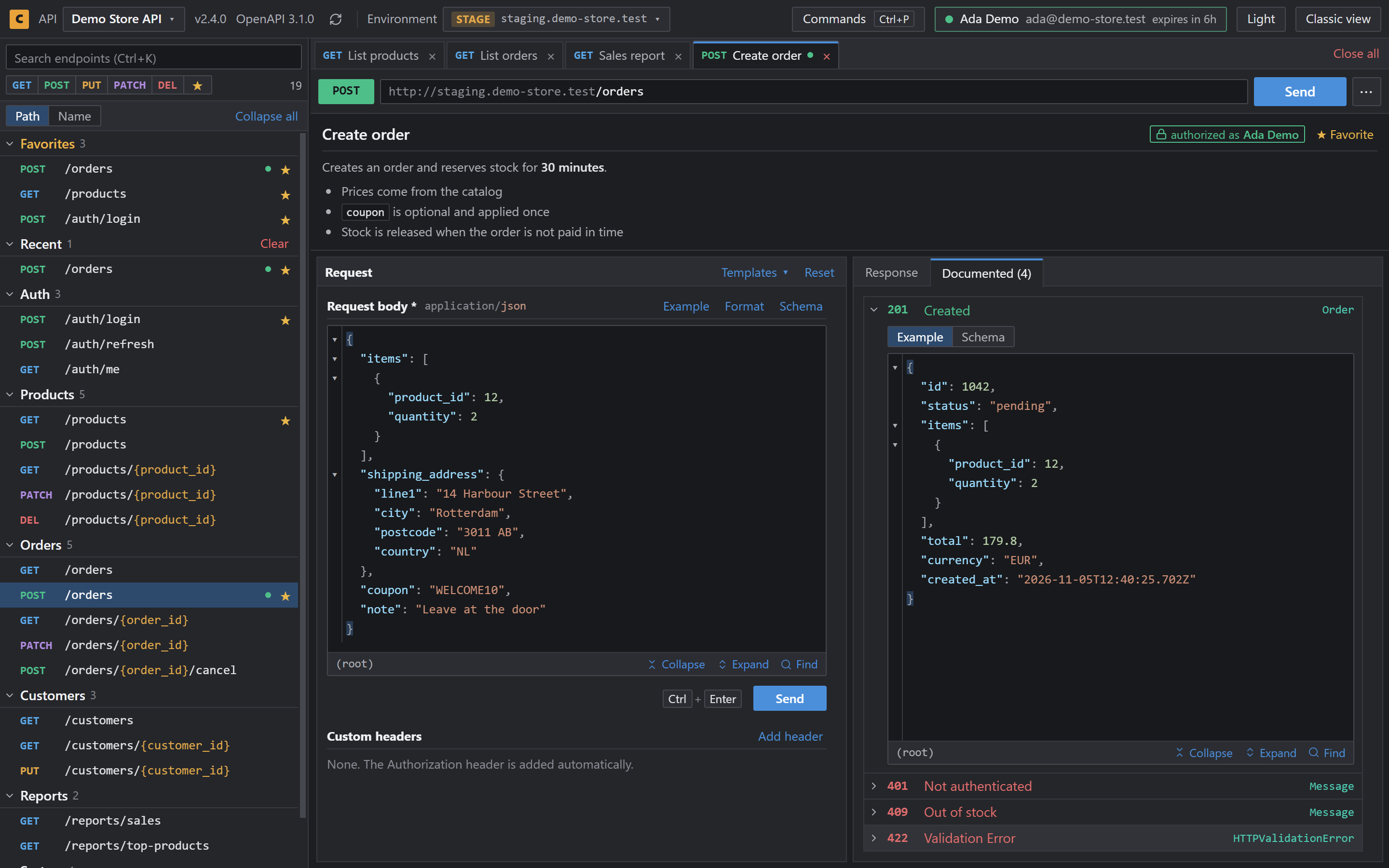
When Cookify fits
- You call and check an API that has Swagger UI
- You don't want to import a collection and keep it in sync
- You want to work on an API you don't own, straight from its docs
- You don't want an account or a desktop app
When Postman fits better
- You need collections, test scripts or mock servers
- You work in shared team workspaces
- Your API has no Swagger UI page
Cookify can export all your endpoints, or only your favorites, as a Postman collection, so you can use both.
Side by side
| Postman | Cookify | |
|---|---|---|
| Getting your API in | Import it | Reads the docs page |
| Where it runs | Desktop or web app | Chrome extension |
| Tabs and environments | Yes | Yes |
| Tests, mocks and collections | Yes | No |
| Price | Free and paid plans | Free, MIT License |
Questions
- Is Cookify free?
- Yes. It's free and open source under the MIT License.
- Can I move my endpoints to Postman?
- Yes. Export all endpoints or only your favorites as a Postman collection.
- Does it work without Swagger UI?
- No. Cookify needs a page that runs Swagger UI.